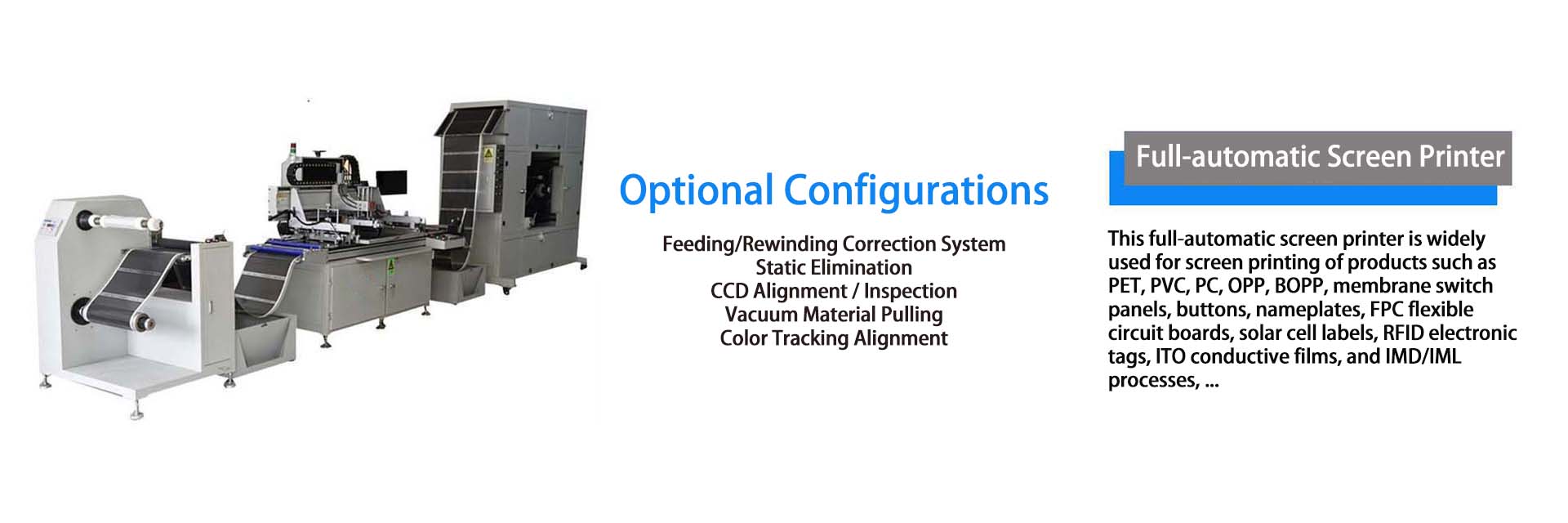
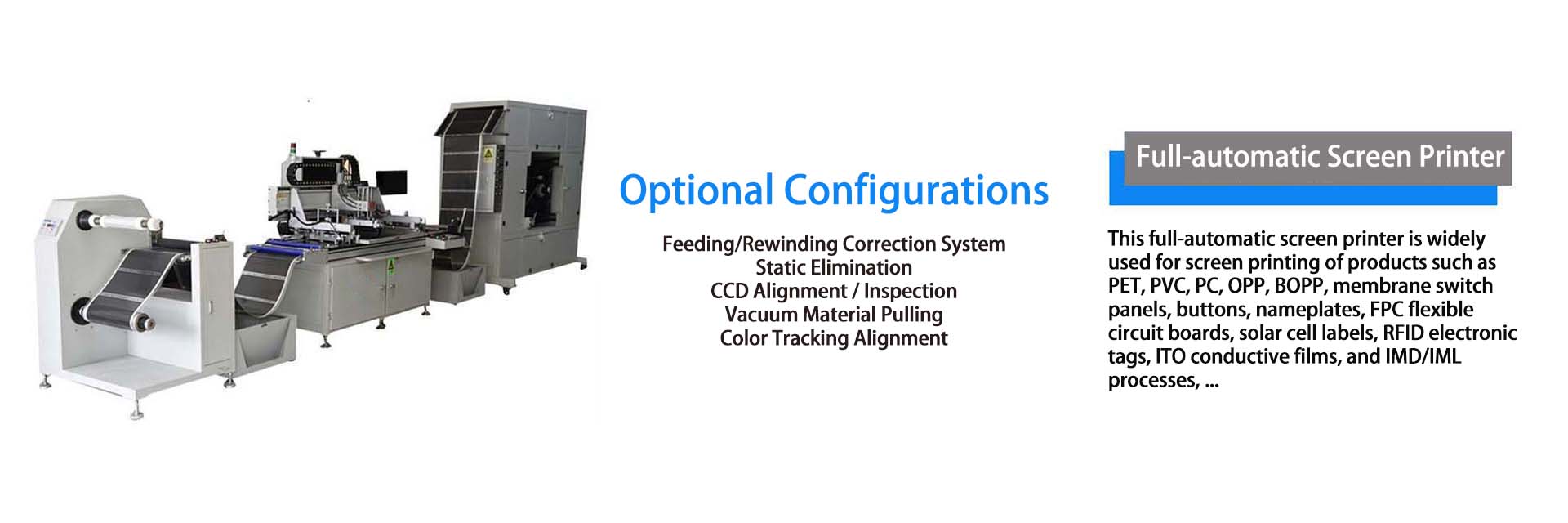
Shield Full-Automatic Screen PrinterElectrothermal Film Production Equipment
Common Faults and Troubleshooting for Fully Automatic Roll-to-Roll Screen Printing Machine
Column:Technical News Brand: Hengchuanqi Service Hotline:+86-13352849401
Common Faults and Troubleshooting for Fully Automatic Roll-to-Roll Screen Printing Machine
During long-term operation, fully automatic roll-to-roll screen printing machines may inevitably develop faults due to various factors, affecting normal production. Timely detection and resolution of these faults are critical to ensuring stable equipment operation and product quality. Below are common faults and corresponding solutions.
I. Ghosting in Printed Patterns
**Fault Manifestation**
Double or multiple images appear on printed electric heating film patterns, impairing clarity and aesthetics; severe cases may lead to product scrapping.
**Possible Causes**
- Unstable substrate conveyance (slippage or bouncing during printing), causing inaccurate printing positions.
- Loose screen plate fixation, resulting in shaking or displacement during printing.
- Uneven or unstable squeegee pressure, leading to ink/paste accumulation or offset.
- Mismatch between printing speed and substrate conveying speed, creating a speed differential.
**Solutions**
- Inspect tension control of feeding and rewinding systems; adjust tension to ensure stable substrate conveyance without slippage or bouncing. Repair or replace faulty tension control systems promptly.
- Recheck and retighten the screen plate to ensure firm installation without shaking or displacement; replace fixing devices if necessary.
- Inspect squeegee pressure adjustment mechanisms to ensure uniform, stable pressure; replace worn or deformed squeegees promptly.
- Reset printing speed and substrate conveying speed to match each other, eliminating speed differentials.
II. Substrate Misalignment
**Fault Manifestation**
Substrates (e.g., PET film) shift to one side during printing, causing patterns to deviate from intended positions; even edge damage may occur.
**Possible Causes**
- Malfunction of the feeding deviation correction device, failing to monitor and adjust substrate position properly.
- Uneven installation of substrate rolls, resulting in uneven tension on both sides.
- Non-parallel axes of feeding/rewinding rollers, applying lateral force to the substrate during conveyance.
- Oil, dust, or debris on the substrate surface, altering friction with conveying rollers and causing misalignment.
**Solutions**
- Inspect sensors and actuators of the feeding deviation correction device; clean dust/debris from sensors to ensure accurate position monitoring. Repair or replace faulty devices promptly.
- Reinstall substrate rolls, adjust positions to ensure flatness and uniform tension on both sides.
- Check axes of feeding and rewinding rollers; adjust their parallelism to avoid lateral force on the substrate.
- Clean the substrate surface to remove oil, dust, or debris, ensuring cleanliness.
III. Insufficient Drying of Ink/Paste
**Fault Manifestation**
Ink/paste on printed electric heating films dries incompletely, leaving a sticky surface prone to dust accumulation; even adhesion may occur during rewinding.
**Possible Causes**
- Low temperature setting of the drying unit, failing to meet ink/paste drying requirements.
- Insufficient air velocity or improper airflow direction in the drying unit, causing uneven heat distribution and poor drying.
- Excessively high printing speed, reducing substrate residence time in the drying unit and preventing full drying.
- Improper ink/paste ratio or excessive diluent, slowing drying speed.
**Solutions**
- Increase drying unit temperature appropriately based on ink/paste properties to reach specified drying temperatures; avoid overheating to prevent substrate damage or ink performance degradation.
- Inspect fans and air ducts of the drying unit; clean duct debris, adjust fan speed and airflow direction to ensure sufficient air velocity and uniform heat distribution.
- Reduce printing speed moderately to extend substrate residence time in the drying unit, ensuring full drying of ink/paste.
- Verify ink/paste ratios; add diluent per specifications to ensure drying speed meets production requirements.
IV. Abnormal Noise During Operation
**Fault Manifestation**
The machine emits abnormal sounds during operation, such as friction, impact, or screeching noises.
**Possible Causes**
- Loose connections between components, causing collisions or friction during operation.
- Excessive wear or improper tension of transmission chains/belts, leading to abnormal noise.
- Malfunctions in power equipment (motors, reducers), such as bearing damage or gear wear.
- Foreign objects entering the machine, colliding with moving parts.
**Solutions**
- Fully inspect component connections; tighten loose screws and bolts to ensure firm assembly.
- Check transmission chains/belts; replace excessively worn parts and adjust tension to appropriate levels.
- If motors, reducers, or other equipment malfunction, stop operation immediately and contact professional maintenance personnel for repair or component replacement.
- Stop the machine to inspect internal parts, remove foreign objects, and ensure the interior is clean.


Shenzhen Hengchuanqi Precision Machinery Co., Ltd.
Mobile:+86-13352849401 Email:hcqhe@qq.com
Company Headquarters:Building 3, Maozhouhe Industrial Zone, Shapuwei, Songgang Town, Bao'an District, Shenzhen City, Guangdong Province, China
Dongguan Base:No. 11, Zhenye Street, Lingxia, Liaobu Town, Dongguan City, Guangdong Province, China
WeChat
Mobile Version