Shield Full-Automatic Screen PrinterElectrothermal Film Production Equipment
Hengchuanqi Screen Printer: Screen Printing Process of Keyboard Circuits and Precautions
Column:Technical News Brand: Hengchuanqi Service Hotline:+86-13352849401
Hengchuanqi Screen Printer: Screen Printing Process and Precautions for Keyboard Circuits
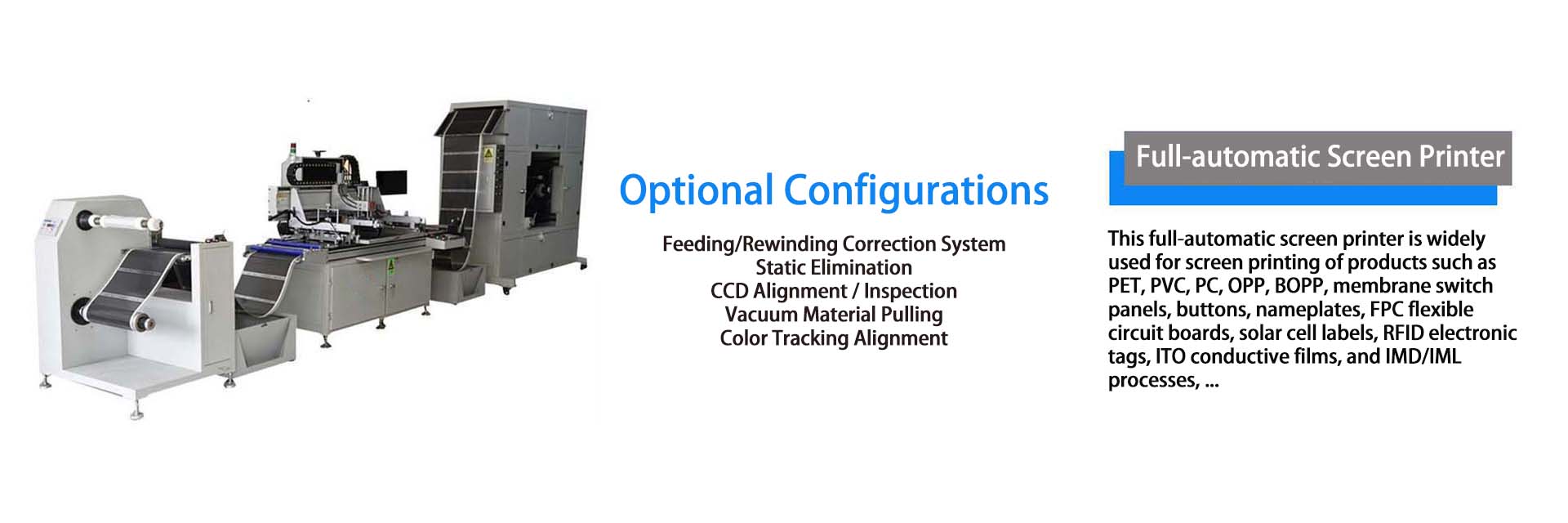
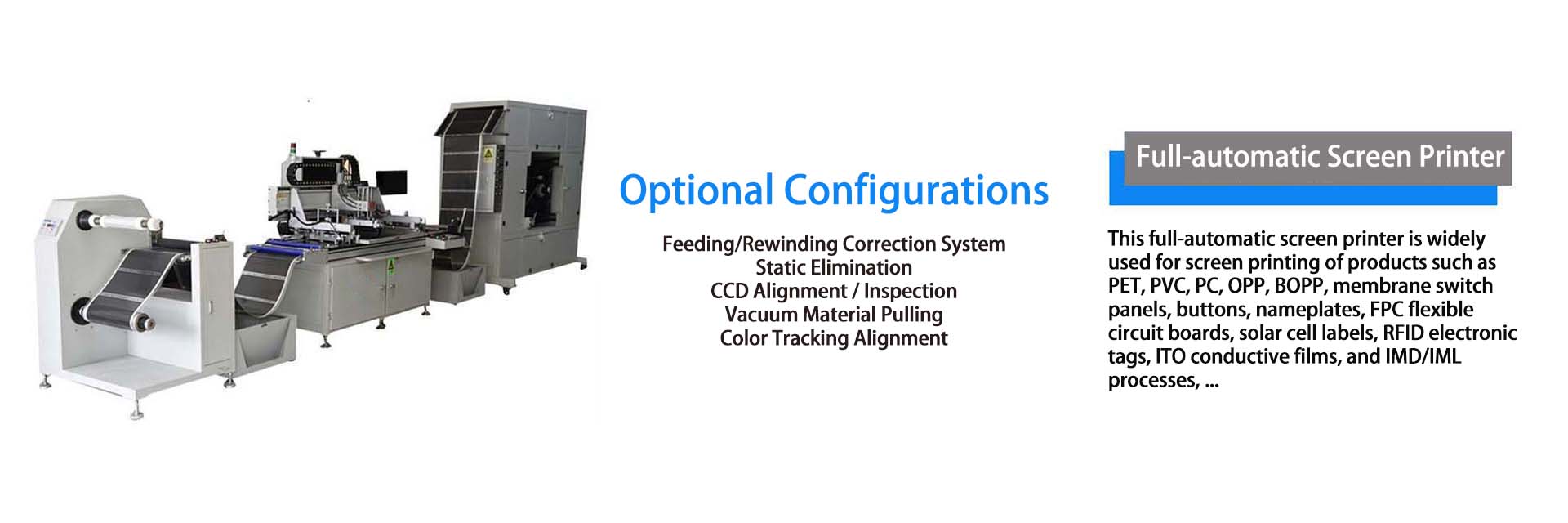
In keyboard manufacturing, circuit screen printing is a critical process directly affecting electrical performance and service life. Below is a detailed overview of the screen printing process for keyboard circuits and precautions for each stage.

I. Screen Printing Process
(1) Preparations
- **Material Preparation**: Prepare substrates (e.g., PCB boards), screen printing inks (select types based on substrate properties and application environments, such as conductive ink, insulating ink), screens (fabricated to circuit patterns with precise pattern accuracy), and squeegees (material and hardness matched to ink properties and screen type).
- **Equipment Inspection**: Check the screen printer’s operation, including table flatness, squeegee pressure adjustment device, and transmission system, to ensure normal operation. Verify the temperature control accuracy of drying equipment for subsequent curing.
- **Substrate Treatment**: Clean substrates to remove oil, dust, and oxide layers via alcohol wiping or ultrasonic cleaning, ensuring surface cleanliness to enhance ink adhesion.
(2) Screen Installation and Positioning
Mount the fabricated screen on the printer, adjust its position to align with circuit pattern positioning marks on the substrate, and ensure printing accuracy. Use professional positioning tools (e.g., locating pins, blocks) to stabilize the relative position between the screen and substrate.
(3) Ink Mixing
Mix ink in specified proportions, stir thoroughly for uniformity, and add thinner as needed to adjust viscosity for process requirements. Avoid mixing different ink types to prevent performance degradation.
(4) Printing Operation
Pour mixed ink onto the screen, start the printer, and apply pressure via the squeegee to move uniformly across the screen, transferring ink through pattern areas onto the substrate to form keyboard circuit patterns. Control squeegee pressure, speed, and angle to ensure uniform, clear printing with neat line edges.
(5) Drying and Curing
Place printed substrates in drying equipment for curing. Set appropriate temperature and duration based on ink type to ensure full drying, enhancing ink adhesion and circuit stability. Avoid excessive temperature shock to prevent substrate deformation.
(6) Quality Inspection
Inspect dried circuits for clarity, integrity, adhesion, and compliance with line width/spacing requirements via visual checks, multimeter testing, and adhesion tests. Rework defective products promptly.
II. Precautions
(1) Preparations
- Select substrates meeting electrical performance and environmental requirements (e.g., high-temperature resistance, corrosion resistance).
- Ensure high screen fabrication accuracy with smooth pattern edges (no burrs or damage) to avoid printing defects.
- Store ink properly, avoiding direct sunlight, high/low temperatures to prevent deterioration.
(2) Screen Installation and Positioning
- Secure the screen firmly to prevent loosening or displacement during printing, which would affect positioning accuracy.
- Conduct test prints after positioning to verify pattern alignment and adjust promptly if偏差 (deviations) occur.
(3) Ink Mixing
- Follow precise mixing ratios to avoid improper proportions affecting ink performance.
- Add thinner gradually while stirring to prevent incorrect viscosity adjustment.
(4) Printing Operation
- Operators must wear protective gear (gloves, masks) to avoid skin contact or inhalation of ink.
- Maintain a clean environment to prevent dust contamination of ink or substrates.
- Regularly check squeegee wear and replace worn ones promptly to ensure printing quality.
(5) Drying and Curing
- Strictly control temperature and duration: excessive heat/time may cause substrate deformation or ink aging; insufficient conditions lead to poor curing and weak adhesion.
- Adhere to ink specifications for drying processes, as requirements vary by ink type.
(6) Quality Inspection
- Conduct comprehensive, detailed inspections to ensure all outgoing circuits meet quality standards.
- Analyze defective products, implement corrective measures to prevent recurrence.

Shenzhen Hengchuanqi Precision Machinery Co., Ltd.
Mobile:+86-13352849401 Email:hcqhe@qq.com
Company Headquarters:Building 3, Maozhouhe Industrial Zone, Shapuwei, Songgang Town, Bao'an District, Shenzhen City, Guangdong Province, China
Dongguan Base:No. 11, Zhenye Street, Lingxia, Liaobu Town, Dongguan City, Guangdong Province, China
WeChat
Mobile Version